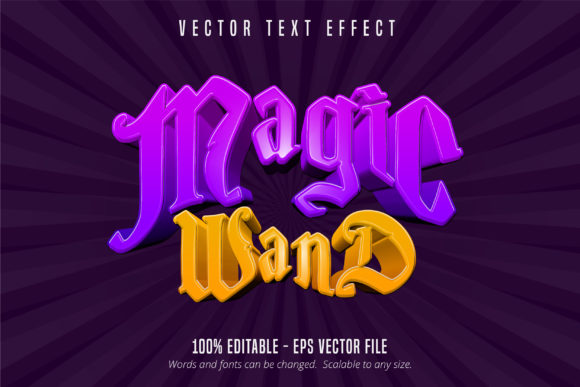
Magic Wand Text: Mastering the Game Style Text Effect for Adobe Illustrator
Adobe Illustrator users often seek striking visual elements that elevate their designs without complicating the workflow. The Magic Wand Text, Game Style Text Effect offers a compelling solution. This isn't a font—it's a ready-to-use text effect designed specifically for Adobe Illustrator, allowing users to create bold, stylized typography that mimics the vibrant look of game-style lettering. Whether you're a beginner or a seasoned designer, understanding how to use and optimize this effect can significantly enhance your projects.
Understanding the Magic Wand Text, Game Style Text Effect
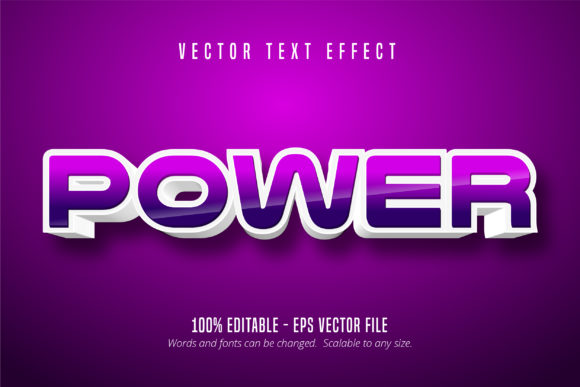
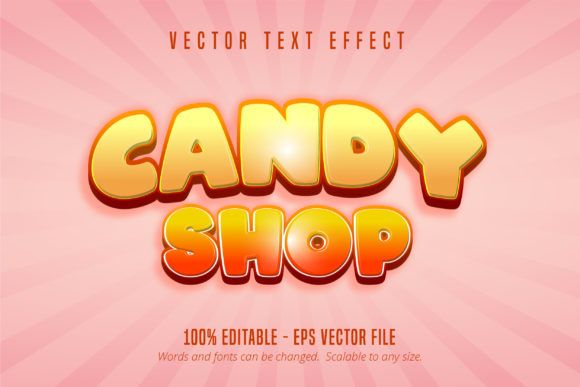
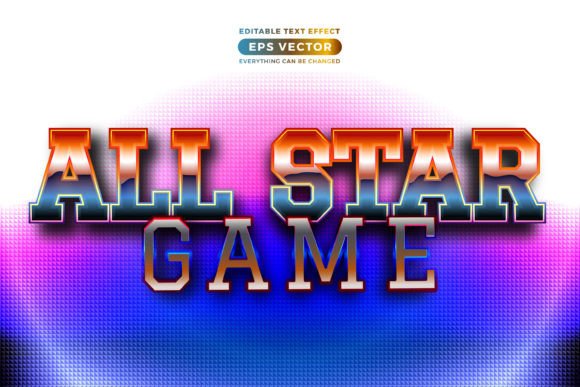
The Magic Wand Text, Game Style Text Effect is an editable vector-based effect saved in EPS CS6 format. It provides a stylized appearance that resembles retro or modern game-style typography, ideal for logos, game titles, promotional materials, and more. Since it's not a font but a design effect, it gives users the flexibility to scale the text infinitely without loss of quality, while remaining fully editable in Illustrator.
What makes this effect particularly appealing is its ease of use. Designers can modify colors, outlines, and shapes quickly, making it suitable for both print and digital applications. However, like any design tool, there are nuances that users should understand to get the most out of it.
Common Mistakes When Using the Magic Wand Text Effect
Despite its benefits, many users encounter issues due to misunderstandings or overlooked details. Here are some of the most common mistakes and how to avoid them:
1. Expecting It to Work Like a Font
One of the most frequent misconceptions is treating the Magic Wand Text, Game Style Text Effect as if it were a standard font. Because it's a vector effect, it doesn't behave like a typeface. This means you can’t simply change the text by typing—it requires manual editing of each letter. Failing to recognize this can lead to wasted time or frustration when trying to update or resize text dynamically.
Better approach: Treat it as a design element rather than a live text layer. Plan your text content ahead of time and make edits carefully using Illustrator’s path tools.
2. Overlooking Compatibility Issues
Although the effect is compatible with Adobe Illustrator, not all versions support EPS files equally. Users with outdated software may find that the effect doesn't open properly or loses quality when scaled.
Better approach: Ensure you're using Illustrator CS6 or later. If you're collaborating with others, confirm that all parties have compatible versions to avoid file corruption or formatting issues.
3. Applying the Effect Without Customization
Many users apply the effect as-is without tailoring it to their specific project. While the default style is visually appealing, it may not align with your brand or design needs. Using it without customization can result in generic-looking work that doesn’t stand out.
Better approach: Explore the editable paths and layers within the effect. Adjust gradients, stroke widths, and color schemes to match your design theme. This personalization enhances originality and professionalism.
4. Ignoring Scalability in Practical Use
Although the effect is scalable due to its vector nature, some users apply it in contexts where legibility or detail may suffer—such as small print or low-resolution displays. Assuming that “scalable” means “always clear” can lead to poor results in certain applications.
Better approach: Test the effect at various sizes before finalizing your design. Simplify complex elements if needed, especially when the text will be viewed from a distance or on small screens.
What to Check Before Downloading or Using Magic Wand Text
Before you download or purchase the Magic Wand Text, Game Style Text Effect, consider the following factors to ensure it meets your needs:
- Software compatibility: Confirm it works with your version of Adobe Illustrator.
- File format: Make sure it comes in EPS CS6 format, which ensures broad compatibility and scalability.
- Customization options: Look for effects that allow full path editing, so you can tweak every detail.
- Usage rights: Check whether the license permits commercial use, especially if you're creating work for clients or products.
Maximizing the Value of Game Style Text Effects
To get the most from the Magic Wand Text, Game Style Text Effect, it's important to approach it with both creativity and technical awareness. Consider these practical tips:
- Use layers wisely: Break apart the effect into individual layers for more control over color, effects, and animation in digital projects.
- Pair with complementary elements: Combine the text effect with matching graphic styles, such as pixel art or retro UI elements, to create a cohesive design.
- Optimize for performance: In digital or animated projects, simplify paths and reduce unnecessary anchor points to maintain smooth rendering.
Conclusion: A Powerful Tool with the Right Approach
The Magic Wand Text, Game Style Text Effect is a versatile and visually engaging tool for Adobe Illustrator users. By understanding its nature as a design effect rather than a font, avoiding common pitfalls, and customizing it thoughtfully, you can create standout designs that capture attention and communicate effectively. Whether you're designing a game logo, social media graphic, or merchandise, this effect offers a powerful way to enhance your visual storytelling—provided you use it with care and intention.