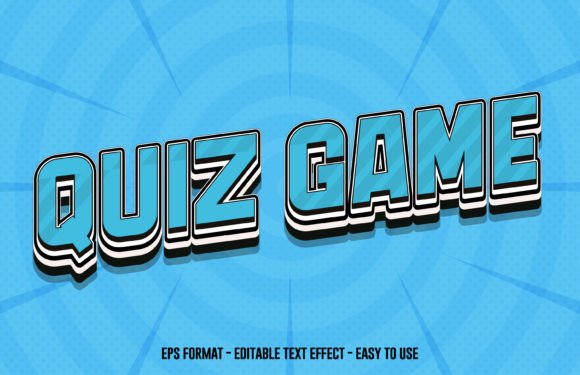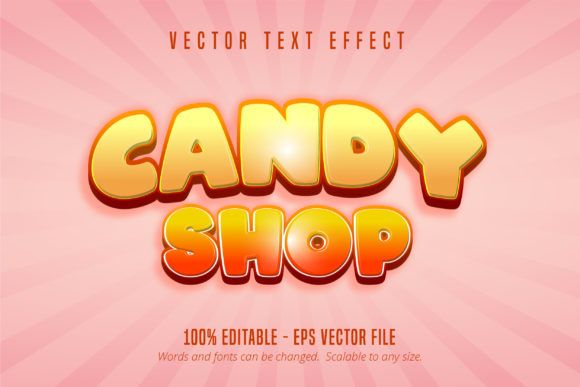
Candy Shop & Game Style Text Effects for Adobe Illustrator
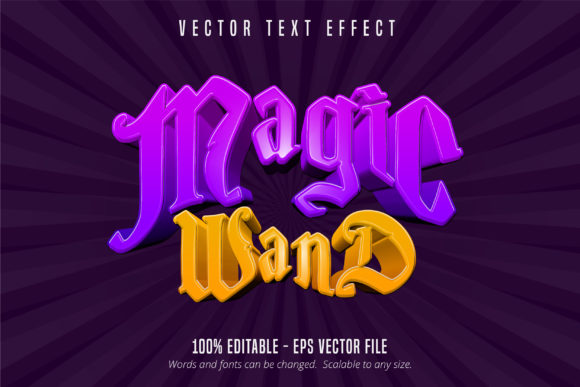
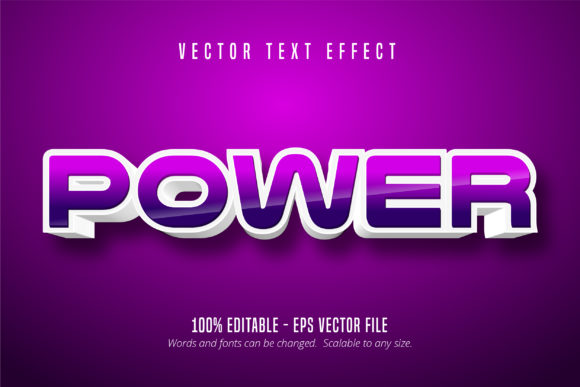
Adobe Illustrator users looking to add vibrant, eye-catching text effects to their designs often turn to specialized graphic elements that go beyond traditional fonts. The Candy Shop Text and Game Style Text Effect are two such design assets that offer a creative and flexible way to stylize typography. These aren't fonts—they're fully editable vector effects designed specifically for Adobe Illustrator, allowing designers to scale, recolor, and customize the look of text without losing quality.
What Exactly Is Candy Shop Text and Game Style Text Effect?
These Illustrator effects come in .EPS CS6 format, making them compatible with a wide range of Adobe Illustrator versions. Each effect is 100% editable, meaning you can change the colors, shapes, and layout to suit your design needs. Whether you're creating a playful logo for a bakery or a bold title for a mobile game, these effects provide a professional, stylized appearance without requiring advanced vector illustration skills.
Unlike standard fonts, which are limited to character shapes, these text effects include layered graphic elements such as gradients, outlines, and decorative embellishments. This gives designers more control over the final look and allows for a unique visual identity in branding, game design, or digital illustration projects.
Why Different Users Care About These Text Effects
For beginners, these effects offer a simple way to elevate designs without needing to master complex Illustrator tools. You can apply the effect, tweak the colors or layout, and instantly get a polished result. This makes them ideal for those just starting out in graphic design or digital content creation.
Freelancers and small business owners may appreciate the time-saving aspect. Rather than spending hours creating stylized text from scratch, they can use these effects to maintain a consistent visual theme across marketing materials, social media graphics, or product packaging.
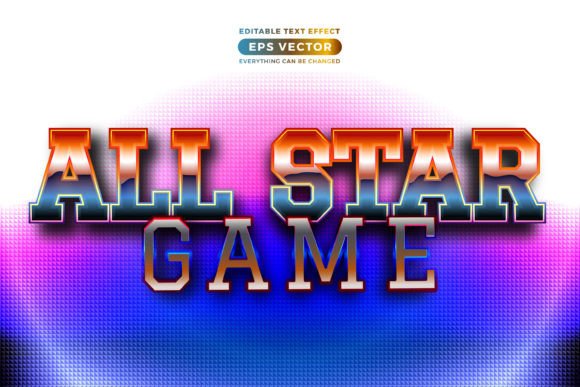
Game developers and UI/UX designers might find the Game Style Text Effect particularly useful for creating engaging on-screen text in mobile or web-based games. It provides a retro or arcade-style aesthetic that resonates with players and enhances the overall user experience.
Educators and creators can use these effects to make learning materials or digital content more visually appealing. Whether designing infographics for a course or crafting a poster for a workshop, the Candy Shop Text effect can make the text more inviting and attention-grabbing.
Practical Uses Across Different Skill Levels
- Beginners: Use pre-designed text effects as a learning tool to understand how layering, gradients, and vector shapes work in Illustrator.
- Intermediate users: Customize the effects to match brand colors or integrate them into existing design templates for a cohesive look.
- Professionals: Save time on client projects by quickly applying and adjusting effects rather than designing from scratch, especially for time-sensitive deliverables.
How to Decide If These Effects Fit Your Needs
When evaluating the Candy Shop Text or Game Style Text Effect, consider your project type, design goals, and technical comfort level. If you're working on a project that requires quick turnaround and a polished aesthetic, these effects can be a valuable resource.
For example, a small business owner launching a new candy brand might use the Candy Shop Text effect to design a logo that instantly conveys fun and sweetness. On the other hand, an indie game developer could use the Game Style effect to create consistent, stylized UI elements across different game screens.
Key Priorities to Consider
- Flexibility: Can you adjust the colors, layout, and components to match your brand or project style?
- Scalability: As vector files, these effects maintain quality at any size—ideal for both print and digital use.
- Learning value: Are you gaining insight into Illustrator techniques by using and modifying the effects?
- Commercial use: Check licensing to ensure the effect can be used in client work or for sale.
Real-World Examples for Different Users
A freelance designer working on a children’s book cover might use the Candy Shop Text effect to create a whimsical title that stands out. Meanwhile, a marketing professional creating a campaign for a retro-themed app might use the Game Style effect to align the text style with the app’s overall aesthetic.
For educators, these effects can be used in classroom presentations or educational infographics to make content more visually engaging for students. The ease of editing means even those with limited design experience can produce professional-looking visuals quickly.
Final Thoughts
The Candy Shop Text and Game Style Text Effect offer more than just visual flair—they provide a practical, scalable solution for a wide range of design needs. Whether you're a beginner exploring Adobe Illustrator or a professional looking to streamline your workflow, these effects can help you achieve polished results efficiently.
By understanding how these effects can be applied across different use cases and experience levels, you can determine whether they align with your current project goals and creative process. If flexibility, ease of use, and visual impact matter to you, these Illustrator text effects are worth exploring further.